
Calendly outages and problems
User reports, last 24 hours
1 report in total, counted in 15-minute windows
No problem reports came in for Calendly in the last hour, and at this time of day there are usually almost none. Over the last 24 hours there were 1 report. There has been no spike in reports since 4 November. These are user reports from the US, where most people report Calendly problems.
- NormalClose to the usual level24 h · 1 report
- ElevatedMore than 1.5 times the usual levelNone in this chart
- OutageMore than twice the usual level and far above the day's averageNone in this chart
- Usual levelWhat a usual day sees at that timeAlmost none at this time of day
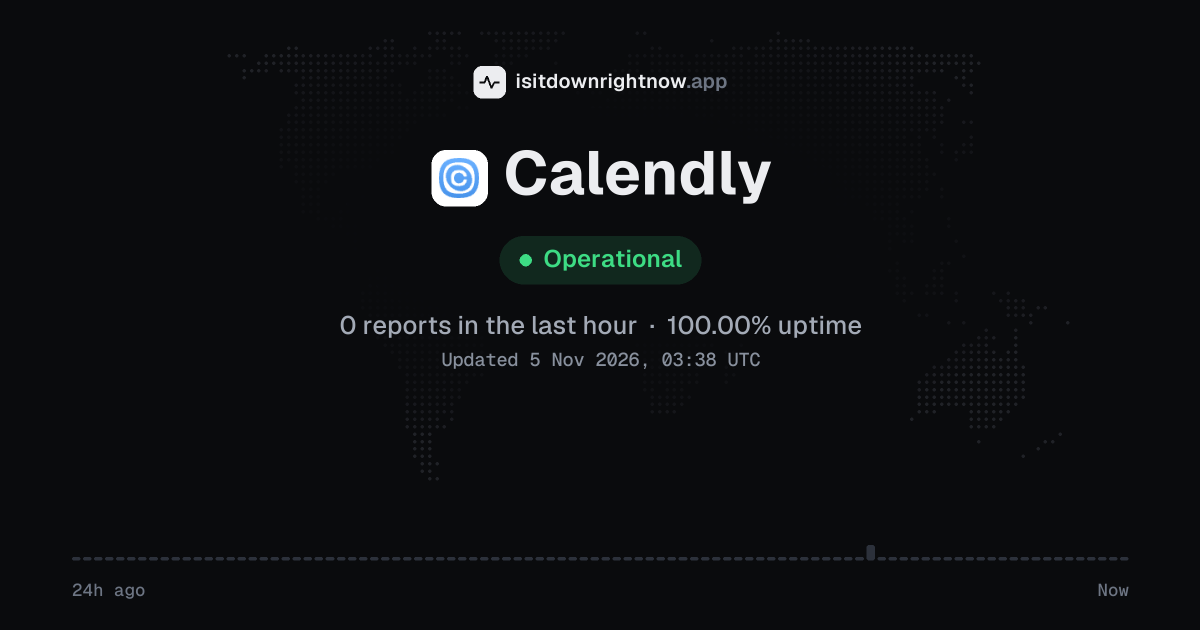
In the past 24 hours, 1 user report came in for Calendly. Counting only the 15-minute windows with a spike big enough to count as an outage, that comes to 100.00% uptime for the day.
The busiest 15-minute window had 1 report, about 4 hours ago. That stays below our outage threshold, so it doesn't count as downtime.
Calendly in November 2026
- Problem reports in November (since 4 November)
- 10
Monthly report for November 2026
People who report a problem with Calendly to the outage-report feed behind this page can tag what is affected. These are the categories they can pick; the feed shows no counts per category:
- Website
- Login
- App
- Save / Sync
- Integrations
- Automation & Workflows
Calendly problem spikes, last 30 days
Since 4 November, Calendly had no outage spikes or periods of elevated reports.
A spike is a sharp rise in problem reports from users, kept exactly as this page showed it at the time. This history starts on 4 November 2026. Monthly reports for all services
How to fix Calendly not working
Calendly is up on our end, so if it won't work for you, the problem is most likely on your side. Work through these in order:
Your browser tries to reach calendly.com over your own connection, right now. Nothing is sent to us or stored.
Reload the booking page
Reload the booking page without the cached copy: press Ctrl+Shift+R on Windows or Command+Shift+R on Mac. If the dashboard hangs after login, sign out of calendly.com, close the tab, then open the same scheduling link in a private browser window.
Allow Calendly in the browser
A blocker can leave the time picker blank or stop the login popup. In Chrome, go to Settings > Privacy and security > Third-party cookies and add calendly.com under Sites allowed to use third-party cookies, then turn off any ad blocker for the same site.
Check event availability
If invitees can open the link but see no times, go to Event types > select the event > Scheduling settings and check Availability. Also open Availability from the left menu and check the schedule time zone plus any date-specific hours, because a closed day or the wrong zone can hide every slot.
Reconnect the calendar sync
If the app shows times that should be busy, or it will not create meetings, open Integrations & apps > Calendar sync. Remove the affected Google Calendar or Outlook connection, connect it again, then confirm the calendar is selected under Check for conflicts and Add to calendar.
While Calendly is down: what to use instead
- Google Calendar appointment schedules Use it if invitees can pick a slot from your Google calendar booking page while your usual scheduling link fails.
- Microsoft Bookings Use it for work appointments if your team already runs Microsoft 365 and needs a shared booking page.
- Acuity Scheduling Use it when you need intake forms or paid appointment booking outside the broken flow.
- Direct email Send two or four open times and ask the other person to reply with the one that works.
What happens when Calendly goes down
Calendly is a scheduling service for booking meetings through shared links, team pages, and connected calendars. Sales, recruiting, support, and customer success teams rely on it, so an outage can stop booking flows and meeting confirmations.
Booking pages tend to show trouble first. During a Calendly outage, invitees may see a blank scheduling page, missing time slots, or a form that will not finish after they pick a time. Calendar sync can also lag, so Google Calendar or Outlook availability may look wrong while confirmations and reminders arrive late. Problems are often partial, with one workspace, integration, or region affected while other links still open.
Calendly IP address, servers and network
Checking calendly.com from our server…
Calendly FAQ
Is Calendly down right now?
Why does my Calendly booking page show no available times?
Why are bookings missing from my Google Calendar or Outlook calendar?
Why is the video meeting link missing from a Calendly invite?
Why does the payment step fail before someone can book?
Service updates from @Calendly
No posts about problems from @Calendly in the last 14 days. The latest is from .
Contact Calendly support
Tip: Calendly doesn't list a public status page that we know of, so its help centre and the report chart on this page are the best places to check.
Put the Calendly status badge on your site
Paste one of these into a web page, a blog post or a README. The badge shows the same status as this page, based on user problem reports. Browsers can keep a copy for up to 4 hours. It links back here.

<a href="https://isitdownrightnow.app/services/calendly/"><img src="https://isitdownrightnow.app/badge/calendly.svg" alt="Calendly status" height="20"></a>[](https://isitdownrightnow.app/services/calendly/)The badge is a plain image: no scripts, no cookies. People who see it on your page load it from our server.
How we track Calendly
The status on this page comes from user-submitted problem reports for Calendly, counted in 15-minute windows over the last 24 hours. Each window is compared with the normal level for Calendly, so a few complaints on a quiet day don't trigger anything, but a sudden jump well above normal does.
When reports climb well above normal, the status here changes to partial outage or major outage and the chart moves with it. Calendly doesn't publish a public status page that we know of, so user reports are often the quickest sign that something is wrong on their side.