
Anker SOLIX outages and problems
User reports, last 24 hours
No reports in this window
No problem reports came in for Anker SOLIX in the last hour, and at this time of day there are usually almost none. The last spike in reports was 71 h ago and lasted 37 min. These are user reports from the US, where most people report Anker SOLIX problems.
Around the world right now: normal in 7 other countries. By country
- NormalClose to the usual level24 h · 0 reports
- ElevatedMore than 1.5 times the usual levelNone in this chart
- OutageMore than twice the usual level and far above the day's averageNone in this chart
- Usual levelWhat a usual day sees at that timeAlmost none at this time of day
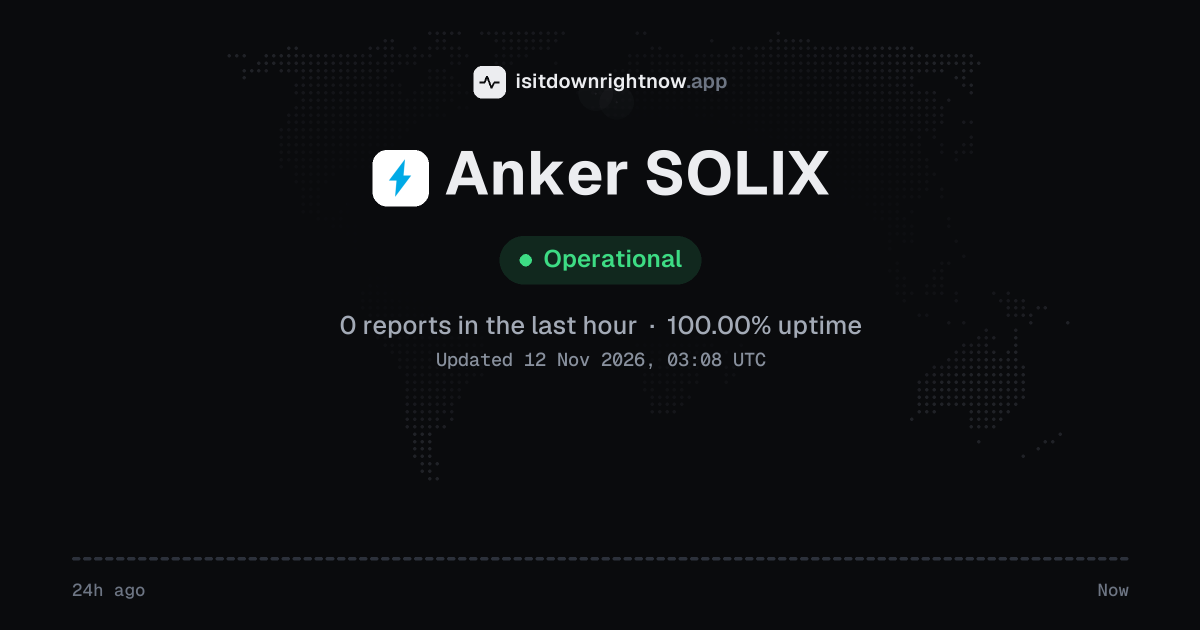
No user reports came in for Anker SOLIX in the past 24 hours, and its uptime over that window is 100.00%.
No 15-minute window had any reports at all, so the chart above stays flat.
Anker SOLIX in November 2026
- Problem reports in November (since 9 November)
- 85
Monthly report for November 2026
People who report a problem with Anker SOLIX to the outage-report feed behind this page can tag what is affected. These are the categories they can pick; the feed shows no counts per category:
- Website
- Login
- App
- Server Connection
- Alerts and notifications
Anker SOLIX reports around the world
In the last 24 hours, 2 problem reports about Anker SOLIX came in from 2 countries. Right now reports are at the usual level in every country.
| Country | Now | Last hour | 24 hours |
|---|---|---|---|
| The UK | Normal | 0 | 1 |
| Germany | Normal | 0 | 1 |
| The US numbers above | Normal | 0 | 0 |
| The Netherlands | Normal | 0 | 0 |
| Italy | Normal | 0 | 0 |
| France | Normal | 0 | 0 |
| Canada | Normal | 0 | 0 |
| Australia | Normal | 0 | 0 |
Each country's status compares its reports with the usual level there.
Anker SOLIX problem spikes, last 30 days
Since 9 November, Anker SOLIX had 1 outage spike.
- Wed 14 Oct: no data
- Thu 15 Oct: no data
- Fri 16 Oct: no data
- Sat 17 Oct: no data
- Sun 18 Oct: no data
- Mon 19 Oct: no data
- Tue 20 Oct: no data
- Wed 21 Oct: no data
- Thu 22 Oct: no data
- Fri 23 Oct: no data
- Sat 24 Oct: no data
- Sun 25 Oct: no data
- Mon 26 Oct: no data
- Tue 27 Oct: no data
- Wed 28 Oct: no data
- Thu 29 Oct: no data
- Fri 30 Oct: no data
- Sat 31 Oct: no data
- Sun 1 Nov: no data
- Mon 2 Nov: no data
- Tue 3 Nov: no data
- Wed 4 Nov: no data
- Thu 5 Nov: no data
- Fri 6 Nov: no data
- Sat 7 Nov: no data
- Sun 8 Nov: no data
- Mon 9 Nov: 85 reports (outage spike that day)
- Tue 10 Nov: 0 reports
- Wed 11 Nov: 0 reports
- Thu 12 Nov: 0 reports
-
Outage
Mon 9 Nov, 03:55–04:32Lasted 37 min20peak reports
By country
Each square is one day in the countries with the most reports: red when reports stayed at outage level for half an hour or more, amber when they stayed above the usual level for an hour or more, grey otherwise.
- The US85
- Australia18
- Canada3
- Germany1
- The UK1
- France0
- Italy0
- The Netherlands0
Country history starts on 8 November 2026. Days run from midnight to midnight, Central European time.
A spike is a sharp rise in problem reports from users, kept exactly as this page showed it at the time. This history starts on 9 November 2026. Monthly reports for all services
How to fix Anker SOLIX not working
Anker SOLIX is up on our end, so if it won't work for you, the problem is most likely on your side. Work through these in order:
Your browser tries to reach ankersolix.com over your own connection, right now. Nothing is sent to us or stored.
Check station output
Press the AC button on the station and confirm the AC icon is lit; then plug in a small known load such as a phone charger. If the display is dark, charge the station with its original adapter for a few minutes before you test the app.
Reconnect the app
Force quit the Anker SOLIX app, turn Bluetooth off and on in your phone settings, then open the station device page again. If the page shows Offline, move your phone within a few feet of the station and retry the link.
Update station firmware
Update the app from the App Store or Google Play, then open the station device page, tap the gear icon, and choose Firmware Update. Keep the station plugged in and your phone near it during the update.
Re-pair station Wi-Fi
In the device page, tap the gear icon, choose Wi-Fi Settings, and run the setup again on a 2.4 GHz network. If the station will not join, choose Remove Device, add it back through Bluetooth, and set Wi-Fi again.
While Anker SOLIX is down: what to use instead
- Anker SOLIX app Try the app when only the website fails, because account and device controls often live there.
- Front panel controls Use the buttons and display on a portable unit to check charge or switch an output when the app will not open.
- Wall outlet Plug needed devices into a normal wall outlet when you cannot manage the station through the service.
- Charged power bank or UPS A charged power bank or small UPS keeps phones and a router running while the station's controls are unavailable.
Problems at the same time as Anker SOLIX
Since 9 November, Anker SOLIX's only spike in problem reports overlapped a spike at another service.
When several services get problem reports at once, something they share, such as a cloud host or a network, can be the real cause. Matching times alone do not prove it.
During the latest spike
Anker SOLIX: Mon 9 Nov, 03:55 to 04:32
- Archive of Our Own, outage,8 Nov 21:49 to 08:49
- Poshmark, outage,02:19 to 04:45
- Globe At Home, outage,02:53 to 04:02
- MyGov, outage,02:58 to 05:21
- CFE - Comision Federal de Electricidad, outage,03:38 to 06:28
- CelcomDigi, outage,03:38 to 04:04
- Rakuten Pay, outage,03:42 to 04:08
- Converge ICT, outage,03:43 to 04:56
30 more services. Red dot: outage. Amber dot: elevated reports.
A spike is a sharp rise in problem reports from users, as the live pages showed it. Times are Central European time.
What happens when Anker SOLIX goes down
Anker SOLIX is Anker's home energy and portable power brand, with solar panels and battery systems plus an app for checking charge and settings. Homeowners and campers who rely on that gear use the app to watch their system and change how it runs, so an outage cuts off the live view and remote controls they count on.
During an outage, the app often fails at login or shows the device list as offline, which is usually the first sign that cloud access is down. Live charge level and output readings stop updating, so you cannot tell whether a battery is charging or how much load it is carrying. Remote settings and schedules may not save or run, while a unit with local controls can keep supplying power even when the app is unreachable. The status above comes from user reports sent to a public outage-reporting service, so a cluster of reports can point to a regional app or cloud problem without meaning every device is affected.
Anker SOLIX IP address, servers and network
- IPv4 addresses
- 15.197.167.90
Show all 2
- 3.33.186.135
- IPv6 addresses
- 2a05:d014:58f:6200::1f5
Show all 2
- 2a05:d014:58f:6200::1f6
- Network
- AS16509 · Amazon.com, Inc., registered in the United States
- Served through
- Netlify
- DNS hosted by
- its own name servers (alidns.com)
- HTTPS certificate
- Issued by Let's Encrypt, valid until 16 Jan 2027 (65 days)
- HTTP/3
- Not advertised
- Our check
- Answered in 111 ms
Checked from our server in Frankfurt, Germany, 45 h ago, for www.ankersolix.com. A service behind a CDN answers from many data centres, usually the one nearest to you, so these addresses are where its traffic enters, not where its own servers stand. Visitors elsewhere may see different addresses.
Checked from 12 places around the world
11 of 12 locations got an answer from www.ankersolix.com. Fastest from São Paulo (18 ms), slowest from Singapore (1,750 ms). Every location connected through Amazon.com, Inc. (AS16509), using 2 different addresses.
| Location | Result | Time | Address reached |
|---|---|---|---|
| FrankfurtGermany | Up | 1,335 ms | 3.33.186.135 |
| ViennaAustria | Up | 1,344 ms | 3.33.186.135 |
| MilanItaly | Up | 107 ms | 3.33.186.135 |
| ParisFrance | No result | – | – |
| AmsterdamNetherlands | Up | 1,349 ms | 3.33.186.135 |
| MadridSpain | Up | 879 ms | 15.197.167.90 |
| WarsawPoland | Up | 765 ms | 3.33.186.135 |
| DallasUSA | Up | 645 ms | 15.197.167.90 |
| Los AngelesUSA | Up | 121 ms | 3.33.186.135 |
| São PauloBrazil | Up | 18 ms | 15.197.167.90 |
| SingaporeSingapore | Up | 1,750 ms | 3.33.186.135 |
| TokyoJapan | Up | 87 ms | 15.197.167.90 |
Checked with check-host.net from its servers in these cities 45 h ago, for www.ankersolix.com. Time is how long each server took to load the page.
Anker SOLIX FAQ
Is Anker SOLIX down right now?
Why does the Anker SOLIX app keep showing my power station as offline?
Why did my Anker SOLIX order clear payment but never send tracking?
Can I use a US Anker SOLIX power station in another country?
Why does the Anker SOLIX app stall during a firmware update?
Service updates from @AnkerSOLIX
No posts about problems from @AnkerSOLIX in the last 14 days. The latest is from .
Contact Anker SOLIX support
Tip: Anker SOLIX doesn't list a public status page that we know of, so its help centre and the report chart on this page are the best places to check.
Put the Anker SOLIX status on your site
Paste one of these into a web page, a blog post or a README: a small badge, or a card with the chart. Both show the same status as this page, based on user problem reports, and link back here.

<a href="https://isitdownrightnow.app/services/anker-solix/"><img src="https://isitdownrightnow.app/badge/anker-solix.svg" alt="Anker SOLIX status" height="20"></a>[](https://isitdownrightnow.app/services/anker-solix/)A live card with the chart
The status, reports in the last hour and the last 24 hours, updated every 5 minutes. Use the frame, or the image where frames are not allowed, such as newsletters.
<iframe src="https://isitdownrightnow.app/embed/anker-solix/" title="Anker SOLIX status" width="100%" height="230" style="border:0;max-width:560px" loading="lazy"></iframe>
<p><a href="https://isitdownrightnow.app/services/anker-solix/">Anker SOLIX status</a> from IsItDownRightNow.app</p><a href="https://isitdownrightnow.app/services/anker-solix/"><img src="https://isitdownrightnow.app/share/anker-solix.png" alt="Anker SOLIX status: problem reports over the last 24 hours" width="600" height="315" loading="lazy"></a>[](https://isitdownrightnow.app/services/anker-solix/)Badge, frame and image load no scripts from other sites and set no cookies; people who see them on your page load them from our server. More for journalists.
How we track Anker SOLIX
The status on this page comes from user-submitted problem reports for Anker SOLIX, counted in 15-minute windows over the last 24 hours. Each window is compared with the normal level for Anker SOLIX, so a few complaints on a quiet day don't trigger anything, but a sudden jump well above normal does.
When reports climb well above normal, the status here changes to partial outage or major outage and the chart moves with it. Anker SOLIX doesn't publish a public status page that we know of, so user reports are often the quickest sign that something is wrong on their side.