
Interactive Brokers outages and problems
User reports, last 24 hours
7 reports in total, counted in 15-minute windows
No problem reports came in for Interactive Brokers in the last hour, and at this time of day there are usually almost none. Over the last 24 hours there were 7 reports. There has been no spike in reports since 3 November. These are user reports from the US, where most people report Interactive Brokers problems.
- NormalClose to the usual level24 h · 7 reports
- ElevatedMore than 1.5 times the usual levelNone in this chart
- OutageMore than twice the usual level and far above the day's averageNone in this chart
- Usual levelWhat a usual day sees at that timeAlmost none at this time of day
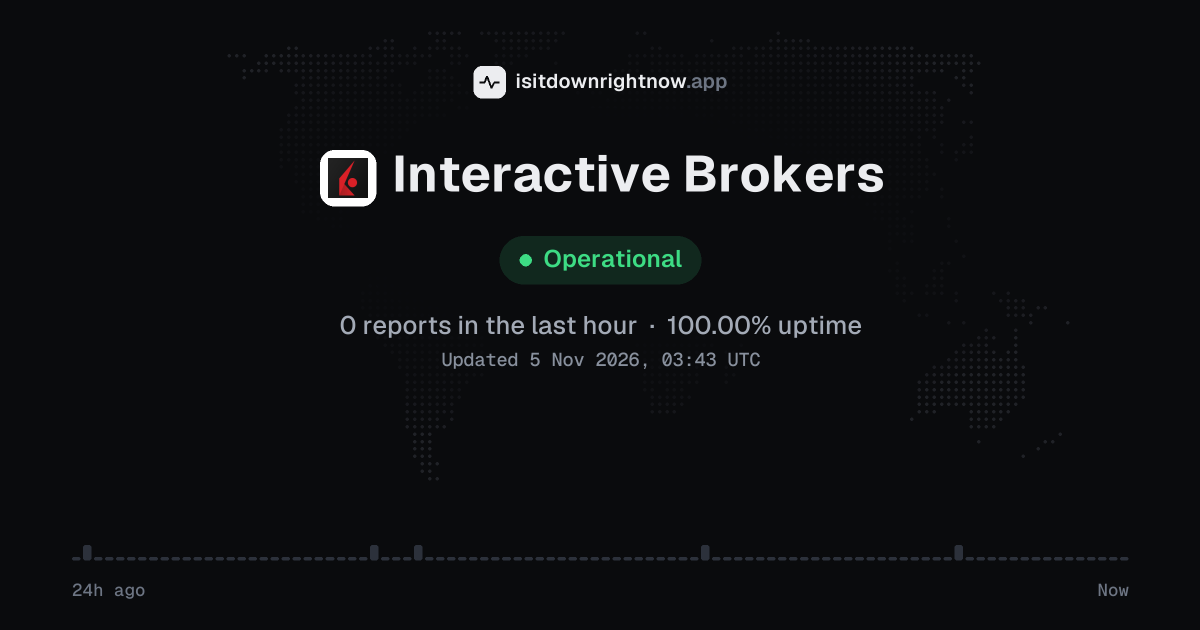
In the past 24 hours, 7 user reports came in for Interactive Brokers. Counting only the 15-minute windows with a spike big enough to count as an outage, that comes to 100.00% uptime for the day.
The busiest 15-minute window had 2 reports, about 22 hours ago. That stays below our outage threshold, so it doesn't count as downtime.
Interactive Brokers in November 2026
- Problem reports in November (since 3 November)
- 10
Monthly report for November 2026
People who report a problem with Interactive Brokers to the outage-report feed behind this page can tag what is affected. These are the categories they can pick; the feed shows no counts per category:
- Website
- Funds Transfer
- Login
- App
- Trading
- Portfolio Management
Interactive Brokers problem spikes, last 30 days
Since 3 November, Interactive Brokers had no outage spikes or periods of elevated reports.
A spike is a sharp rise in problem reports from users, kept exactly as this page showed it at the time. This history starts on 3 November 2026. Monthly reports for all services
How to fix Interactive Brokers not working
Interactive Brokers is up on our end, so if it won't work for you, the problem is most likely on your side. Work through these in order:
Your browser tries to reach interactivebrokers.com over your own connection, right now. Nothing is sent to us or stored.
Check Interactive Brokers status
Open the official status page: https://www.interactivebrokers.com/en/index.php?f=en/software/systemStatus.php. If web login fails but Trader Workstation or IBKR Mobile opens, use the working client for account checks while you keep testing the broken one.
Reset Client Portal cookies
For Chrome, open chrome://settings/siteData, search for interactivebrokers.com, and delete the matching site data. Close every Client Portal tab, open a new private window, and sign in again from interactivebrokers.com.
Fix IBKR Mobile approval
If a login waits for mobile approval, open IBKR Mobile and tap the authentication prompt rather than waiting on the browser page. On iPhone go to Settings, Notifications, IBKR Mobile, Allow Notifications; on Android go to Settings, Apps, IBKR Mobile, Notifications, and allow notifications for the app.
Rename the TWS settings folder
Quit Trader Workstation first. On Windows, press Windows+R, enter %USERPROFILE%, and rename the Jts folder to Jts.old; on macOS, open Finder, choose Go, Home, and rename Jts to Jts.old. Start TWS again, since it will create a fresh settings folder, and move your saved layouts back only if the login and launch problem is gone.
While Interactive Brokers is down: what to use instead
- IBKR Mobile Use the app if the website or Client Portal will not load, especially for checking balances or managing an order that is already in the account.
- Trader Workstation Open Trader Workstation if the browser session is failing, because the desktop platform may still connect when the site has login or page errors.
- Official status page Check the official status page before changing account settings, since Interactive Brokers may post platform or market data notices there.
- Another brokerage account Use a separate account at a broker such as Charles Schwab or Fidelity only if you already keep funds or positions there and a trade cannot wait.
What happens when Interactive Brokers goes down
Interactive Brokers is a US focused brokerage for people who trade and manage accounts through Client Portal, Trader Workstation, IBKR Mobile, and its trading APIs. An outage can block logins, order entry, account balances, and market data when traders need to watch positions or place trades.
Login trouble often shows up first. You may see Client Portal or the app hang after a password or security prompt, while Trader Workstation keeps reconnecting instead of opening a session. If trading systems are affected, orders may sit pending or reject at submit, and the order ticket may fail to show a clear status. Market data, positions, funding pages, and reports can also lag; problems can be regional, though one platform or product area may be the only part hit.
Interactive Brokers IP address, servers and network
Checking interactivebrokers.com from our server…
Interactive Brokers FAQ
Is Interactive Brokers down right now?
Why can’t I sign in to Client Portal or Trader Workstation?
Why is IBKR Mobile stuck on loading or showing a connection problem?
Why are quotes delayed or orders not submitting in Trader Workstation?
What should I check when deposits, withdrawals, or account transfer pages do not load?
Service updates from @ibkr
No posts about problems from @ibkr in the last 14 days. The latest is from .
Contact Interactive Brokers support
- Official status pageinteractivebrokers.com/en/index.php?f=en/software/systemStatus.php
- Websiteinteractivebrokers.com
- X (Twitter)x.com/ibkr
- Facebookfacebook.com/198624790161286
Tip: when Interactive Brokers is down, its official status page is the quickest way to confirm the cause and see when a fix is expected.
Put the Interactive Brokers status badge on your site
Paste one of these into a web page, a blog post or a README. The badge shows the same status as this page, based on user problem reports. Browsers can keep a copy for up to 4 hours. It links back here.

<a href="https://isitdownrightnow.app/services/interactive-brokers/"><img src="https://isitdownrightnow.app/badge/interactive-brokers.svg" alt="Interactive Brokers status" height="20"></a>[](https://isitdownrightnow.app/services/interactive-brokers/)The badge is a plain image: no scripts, no cookies. People who see it on your page load it from our server.
How we track Interactive Brokers
The status on this page comes from user-submitted problem reports for Interactive Brokers, counted in 15-minute windows over the last 24 hours. Each window is compared with the normal level for Interactive Brokers, so a few complaints on a quiet day don't trigger anything, but a sudden jump well above normal does.
When reports climb well above normal, the status here changes to partial outage or major outage and the chart moves with it. This is separate from Interactive Brokers's official status page: user reports tend to show a problem early, while the official page confirms the cause. If the two disagree, check both.