
iPage outages and problems
User reports, last 24 hours
8 reports in total, counted in 15-minute windows
No problem reports came in for iPage in the last hour, and at this time of day there are usually almost none. Over the last 24 hours there were 8 reports. Most recent reports were about DNS (100%). There has been no spike in reports since 10 November. These are user reports from the US, where most people report iPage problems.
- NormalClose to the usual level24 h · 8 reports
- ElevatedMore than 1.5 times the usual levelNone in this chart
- OutageMore than twice the usual level and far above the day's averageNone in this chart
- Usual levelWhat a usual day sees at that timeAlmost none at this time of day
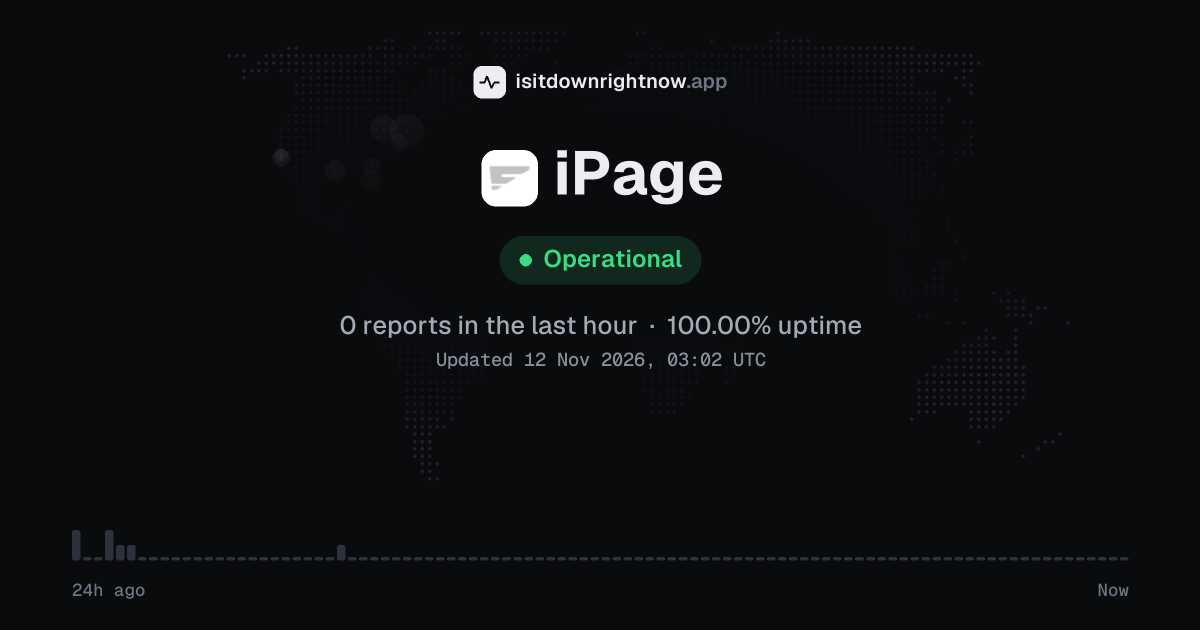
In the past 24 hours, 8 user reports came in for iPage. Counting only the 15-minute windows with a spike big enough to count as an outage, that comes to 100.00% uptime for the day.
The busiest 15-minute window had 3 reports, about 23 hours ago. That stays below our outage threshold, so it doesn't count as downtime.
iPage in November 2026
- Problem reports in November (since 10 November)
- 38
Monthly report for November 2026
What went wrong
What people said was wrong in recent problem reports for iPage.
Share of 2 recent reports that said what was wrong.
Where iPage problem reports come from
The map shows where recent problem reports for iPage came from in the US. Big cities always send the most, so dots in many places point to a widespread problem, and one area far ahead of the rest can mean a regional one.
- Outage now
- Problems now
- Normal
Map outlines: Natural Earth.
iPage problem spikes, last 30 days
Since 10 November, iPage had no outage spikes or periods of elevated reports.
By country
Each square is one day in the countries with the most reports: red when reports stayed at outage level for half an hour or more, amber when they stayed above the usual level for an hour or more, grey otherwise.
- The US31
- The UK0
Country history starts on 10 November 2026. Days run from midnight to midnight, Central European time.
A spike is a sharp rise in problem reports from users, kept exactly as this page showed it at the time. This history starts on 10 November 2026. Monthly reports for all services
How to fix iPage not working
iPage is up on our end, so if it won't work for you, the problem is most likely on your side. Work through these in order:
Your browser tries to reach ipage.com over your own connection, right now. Nothing is sent to us or stored.
Open iPage in a private window
Open Chrome's three-dot menu, choose New Incognito Window, and load ipage.com plus your site; then try the same address on mobile data. If the site loads there but fails in your normal window, the problem sits in your browser session or local network. That is a local fault.
Flush your DNS for iPage
Open Command Prompt as administrator and run ipconfig /flushdns. Restart your browser and try the site again. A stale DNS entry can leave one machine unable to reach a host that works elsewhere.
Check your iPage account for a suspension
Sign in to your account and look for a billing notice or hosting suspension on the site you manage. A block at the account level will show as a failed page for you while other sites on the same service keep loading. Fix the account issue before you touch browser settings.
Test the iPage address elsewhere
Use a phone on mobile data or a second computer on a different network to open the same iPage address. If it loads there, reset your local network adapter or router; if it fails everywhere, review your site configuration in the account before changing browser settings.
What happens when iPage goes down
Ipage is a US web hosting service that small businesses and site owners use for domains and email. An outage interrupts site loading and mail delivery for hosted domains.
Website requests often fail first: visitors get "This site can't be reached" or a database connection error while the domain still resolves. Email trouble comes next, with mail clients rejecting passwords or timing out on IMAP and SMTP, and the hosting dashboard can stall at login. FTP uploads drop mid-transfer. File manager sessions time out before they list a directory, and problems are often partial or regional, so one hosted site can stay up while another fails.
iPage IP address, servers and network
Checking ipage.com from our server…
iPage FAQ
Is Ipage down right now?
Why does my iPage email fail while my website still loads?
My iPage WordPress site shows a database connection error but the control panel opens. What now?
Why did my iPage renewal payment fail when my card works elsewhere?
Why does my iPage domain show a parked page after I changed nameservers?
Service updates from @ipage
No posts about problems from @ipage in the last 14 days. The latest is from .
Contact iPage support
Tip: iPage doesn't list a public status page that we know of, so its help centre and the report chart on this page are the best places to check.
Put the iPage status on your site
Paste one of these into a web page, a blog post or a README: a small badge, or a card with the chart. Both show the same status as this page, based on user problem reports, and link back here.

<a href="https://isitdownrightnow.app/services/ipage/"><img src="https://isitdownrightnow.app/badge/ipage.svg" alt="iPage status" height="20"></a>[](https://isitdownrightnow.app/services/ipage/)A live card with the chart
The status, reports in the last hour and the last 24 hours, updated every 5 minutes. Use the frame, or the image where frames are not allowed, such as newsletters.
<iframe src="https://isitdownrightnow.app/embed/ipage/" title="iPage status" width="100%" height="230" style="border:0;max-width:560px" loading="lazy"></iframe>
<p><a href="https://isitdownrightnow.app/services/ipage/">iPage status</a> from IsItDownRightNow.app</p><a href="https://isitdownrightnow.app/services/ipage/"><img src="https://isitdownrightnow.app/share/ipage.png" alt="iPage status: problem reports over the last 24 hours" width="600" height="315" loading="lazy"></a>[](https://isitdownrightnow.app/services/ipage/)Badge, frame and image load no scripts from other sites and set no cookies; people who see them on your page load them from our server. More for journalists.
How we track iPage
The status on this page comes from user-submitted problem reports for iPage, counted in 15-minute windows over the last 24 hours. Each window is compared with the normal level for iPage, so a few complaints on a quiet day don't trigger anything, but a sudden jump well above normal does.
When reports climb well above normal, the status here changes to partial outage or major outage and the chart moves with it. iPage doesn't publish a public status page that we know of, so user reports are often the quickest sign that something is wrong on their side.