
CacheFly outages and problems
User reports, last 24 hours
No reports in this window
No problem reports came in for CacheFly in the last hour, and at this time of day there are usually almost none. There has been no spike in reports since 24 October.
Around the world right now: normal in 72 other countries. Most reports in the last hour: Italy 1. By country
- NormalClose to the usual level24 h · 0 reports
- ElevatedMore than 1.5 times the usual levelNone in this chart
- OutageMore than twice the usual level and far above the day's averageNone in this chart
- Usual levelWhat a usual day sees at that timeAlmost none at this time of day
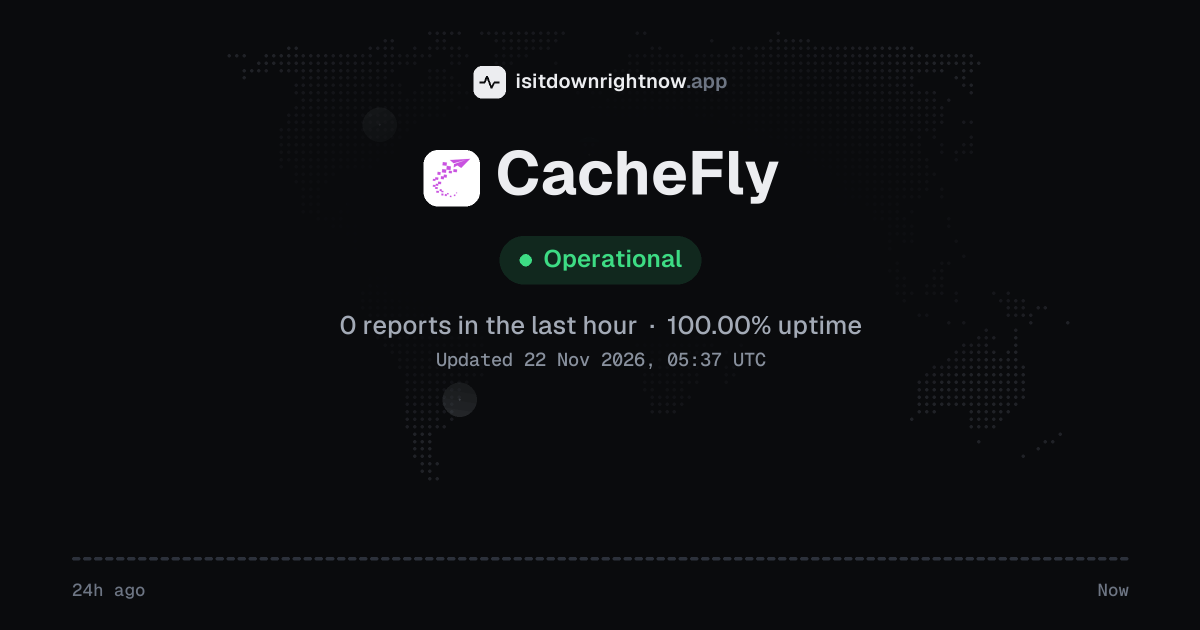
No user reports came in for CacheFly in the past 24 hours, and its uptime over that window is 100.00%.
No 15-minute window had any reports at all, so the chart above stays flat.
What CacheFly's status page says
Checking www.cacheflystatus.com…
CacheFly in November 2026
- Problem reports in November
- 0
Monthly report for November 2026
People who report a problem with CacheFly to the outage-report feed behind this page can tag what is affected. These are the categories they can pick; the feed shows no counts per category:
- Website
- Hosting
- Login
- Server connection
- File access
- Domains
- DNS
- API
- Dashboard
- Storage and backup
- Databases
CacheFly reports around the world
In the last 24 hours, 1 problem report about CacheFly came in from one country. Right now reports are at the usual level in every country.
- Outage now
- Problems now
- Normal
| Country | Now | Last hour | 24 hours |
|---|---|---|---|
| Italy | Normal | 1 | 1 |
| The US | Normal | 0 | 0 |
| The UK | Normal | 0 | 0 |
| Mexico | Normal | 0 | 0 |
| The Netherlands | Normal | 0 | 0 |
| Germany | Normal | 0 | 0 |
| Belgium | Normal | 0 | 0 |
| France | Normal | 0 | 0 |
| Russia | Normal | 0 | 0 |
| India | Normal | 0 | 0 |
| Spain | Normal | 0 | 0 |
| Canada | Normal | 0 | 0 |
Each country's status compares its reports with the usual level there. 60 more countries had 0 reports in the last 24 hours. Map outlines: Natural Earth.
CacheFly problem spikes, last 30 days
In the last 30 days, CacheFly had no outage spikes or periods of elevated reports.
- Sat 24 Oct: 0 reports
- Sun 25 Oct: 0 reports
- Mon 26 Oct: 0 reports
- Tue 27 Oct: 0 reports
- Wed 28 Oct: 0 reports
- Thu 29 Oct: 0 reports
- Fri 30 Oct: 0 reports
- Sat 31 Oct: 0 reports
- Sun 1 Nov: 0 reports
- Mon 2 Nov: 0 reports
- Tue 3 Nov: 0 reports
- Wed 4 Nov: 0 reports
- Thu 5 Nov: 0 reports
- Fri 6 Nov: 0 reports
- Sat 7 Nov: 0 reports
- Sun 8 Nov: 0 reports
- Mon 9 Nov: 0 reports
- Tue 10 Nov: 0 reports
- Wed 11 Nov: 0 reports
- Thu 12 Nov: 0 reports
- Fri 13 Nov: 0 reports
- Sat 14 Nov: 0 reports
- Sun 15 Nov: 0 reports
- Mon 16 Nov: 0 reports
- Tue 17 Nov: 0 reports
- Wed 18 Nov: 0 reports
- Thu 19 Nov: 0 reports
- Fri 20 Nov: 0 reports
- Sat 21 Nov: 0 reports
- Sun 22 Nov: 0 reports
By country
In the last 8 days, most CacheFly problem reports came from the US (4), Brazil (1) and Italy (1). None of these countries had a day at outage level.
- The USNo spikes4
- BrazilNo spikes1
- ItalyNo spikes1
- MoroccoNo spikes1
- PakistanNo spikes1
- PolandNo spikes1
- RussiaNo spikes1
- The UAENo spikes0
- Outage spike
- Elevated reports
- Normal
- No data yet
Each square is one day. It turns red when reports stayed at outage level for half an hour or more, and amber when they stayed above the usual level for an hour or more. The number on the right is the country's total since 15 November 2026, when country history starts. A wider gap marks a Monday. Point at a square, or tap it, for that day's numbers. Days run from midnight to midnight, Central European time.
A spike is a sharp rise in problem reports from users, kept exactly as this page showed it at the time. Monthly reports for all services
How to fix CacheFly not working
CacheFly is up on our end, so if it won't work for you, the problem is most likely on your side. Work through these in order:
Your browser tries to reach cachefly.com over your own connection, right now. Nothing is sent to us or stored.
Check CacheFly's official status page
Open the official status page and look for an active incident. If one is listed, wait for updates; if not, move to local checks. That takes less than a minute.
Reload the CacheFly asset
Press Ctrl+Shift+R on Windows or Linux, or Cmd+Shift+R on macOS. This reloads the page without using the browser cache, which can clear a stale asset that came from the service. If the page still breaks, clear the browser cache from Settings > Privacy and security > Delete browsing data in Chrome.
Test CacheFly on another network
Turn off Wi-Fi on your phone and load the same page over mobile data. If it works there, your router or ISP is the problem; if it fails on both, the problem follows your device or the service. You can also try a different browser to rule out an extension.
Flush DNS before retrying CacheFly
On Windows, open Command Prompt and run ipconfig /flushdns. On macOS, run sudo dscacheutil -flushcache; sudo killall -HUP mDNSResponder. After the command finishes, reload the page, and if the service still fails for you, contact the help centre.
While CacheFly is down: what to use instead
- Cloudflare Point DNS there to serve cached assets while the outage clears.
- Fastly For API traffic, it can take over after you update your CNAME and routing rules.
- Amazon CloudFront On AWS, a new distribution can pull from the same bucket.
- Direct origin access If you control the origin server, hit it by IP or internal hostname for admin work, testing, and any urgent content changes that cannot wait for the CDN to return.
Fix CacheFly on Windows, Mac, Android and iPhone
CacheFly on Windows
- Fix
- Clear your Windows DNS resolver cache and temporarily switch to a public DNS provider in your network settings. This helps resolve routing errors preventing your PC from connecting to CacheFly's CDN edge servers.
- Check
- Use network diagnostic tools to trace the connection path to CacheFly's servers and check if packet loss is occurring. You can also verify if websites utilizing CacheFly fail to load across different web browsers.
ping cachefly.comTest whether CacheFly's servers replynslookup cachefly.comCheck that CacheFly's DNS resolvestracert cachefly.comTrace where the connection dropsipconfig /flushdnsClear the DNS cache, then reloadCacheFly on Mac
- Fix
- Flush your macOS DNS cache and renew your DHCP lease in the Network settings panel. If CacheFly assets still fail to load, configure alternative DNS servers like Cloudflare or Google DNS.
- Check
- Run a traceroute to CacheFly's domains to pinpoint where the connection is dropping. You can also check if CacheFly-dependent sites load normally when connecting through a VPN.
ping -c 4 cachefly.comTest whether CacheFly's servers replynslookup cachefly.comCheck that CacheFly's DNS resolvestraceroute cachefly.comTrace where the connection dropssudo dscacheutil -flushcache; sudo killall -HUP mDNSResponderFlush the macOS DNS cache, then reloadCacheFly on Android
- Fix
- Toggle your device's Airplane mode to reset your mobile network connection to CacheFly. If the issue persists, configure a Private DNS provider in your Android connection settings.
- Check
- Test if CacheFly-backed apps fail to load on both Wi-Fi and cellular data to isolate local network issues. You can also use a mobile browser to check CacheFly's official status page.
CacheFly on iPhone and iPad
- Fix
- Reset your network settings or manually configure a custom DNS server in your iOS Wi-Fi connection properties. This clears corrupt caches that may prevent your device from reaching CacheFly.
- Check
- Switch from Wi-Fi to cellular data to see if CacheFly-dependent applications begin functioning. If they fail on both connections, it indicates a broader CacheFly service outage.
What happens when CacheFly goes down
CacheFly is a content delivery network. Businesses use it to serve websites, video streams, software downloads, and API traffic, so an outage can leave pages half-loaded, video stuck buffering, downloads failing, or API calls timing out.
Static assets fail first, with images and scripts returning errors or taking a long time to load, so you may see pages looking broken even if the main HTML comes through. Video playback stalls, and file downloads stop partway or never start. API and app traffic can time out, so logins, checkout, search, and dynamic content may hang. Because the service runs across many edge locations, these problems often stay regional or partial.
CacheFly IP address, servers and network
Checking cachefly.com from our server…
CacheFly FAQ
Is CacheFly down right now?
Why does my CacheFly CDN hostname return 403 Forbidden?
How do I purge cached files from CacheFly?
Why is my origin server timing out through CacheFly?
Why does my CNAME record for CacheFly not resolve?
Contact CacheFly support
- Official status pagecacheflystatus.com
- Help centresupport.cachefly.com
- Contact formcachefly.com/contact
- Websitecachefly.com
Tip: when CacheFly is down, its official status page is the quickest way to confirm the cause and see when a fix is expected.
About CacheFly
- Category
- Online Service
Put the CacheFly status on your site
Paste one of these into a web page, a blog post or a README: a small badge, or a card with the chart. Both show the same status as this page, based on user problem reports, and link back here.

<a href="https://isitdownrightnow.app/services/cachefly/"><img src="https://isitdownrightnow.app/badge/cachefly.svg" alt="CacheFly status" height="20"></a>[](https://isitdownrightnow.app/services/cachefly/)A live card with the chart
The status, reports in the last hour and the last 24 hours, updated every 5 minutes. Use the frame, or the image where frames are not allowed, such as newsletters.
<iframe src="https://isitdownrightnow.app/embed/cachefly/" title="CacheFly status" width="100%" height="230" style="border:0;max-width:560px" loading="lazy"></iframe>
<p><a href="https://isitdownrightnow.app/services/cachefly/">CacheFly status</a> from IsItDownRightNow.app</p><a href="https://isitdownrightnow.app/services/cachefly/"><img src="https://isitdownrightnow.app/share/cachefly.png" alt="CacheFly status: problem reports over the last 24 hours" width="600" height="315" loading="lazy"></a>[](https://isitdownrightnow.app/services/cachefly/)Badge, frame and image load no scripts from other sites and set no cookies; people who see them on your page load them from our server. More for journalists.
How we track CacheFly
The status on this page comes from user-submitted problem reports for CacheFly, counted in 15-minute windows over the last 24 hours. Each window is compared with the normal level for CacheFly, so a few complaints on a quiet day don't trigger anything, but a sudden jump well above normal does.
When reports climb well above normal, the status here changes to partial outage or major outage and the chart moves with it. This is separate from CacheFly's official status page: user reports tend to show a problem early, while the official page confirms the cause. If the two disagree, check both.